I filled it in, uploaded a scan of my passport, paid, and three working days later an email landed in my inbox telling me my visa was ready to download. That's really the short version of it — Azerbaijan's e-visa system is about as painless as this kind of paperwork gets, provided you get a couple of details right before you submit.
Here's exactly what that application asks for, what it costs, and the one rule buried in the small print that has nothing to do with your passport and everything to do with where you've travelled before.
Do you need an Azerbaijan e-visa?
Azerbaijan runs its own e-visa system, separate from Schengen, and it covers citizens of 90 countries — a list that stretches across most of Europe, North America, the Gulf, and large parts of Asia. Austria, Australia, Canada, China, France, India, Japan, Pakistan, Spain, Thailand, the UK, and the US are all on it. If your passport isn't among the 90, you'll need to apply through an Azerbaijani embassy instead of using evisa.gov.az.
Standard or urgent
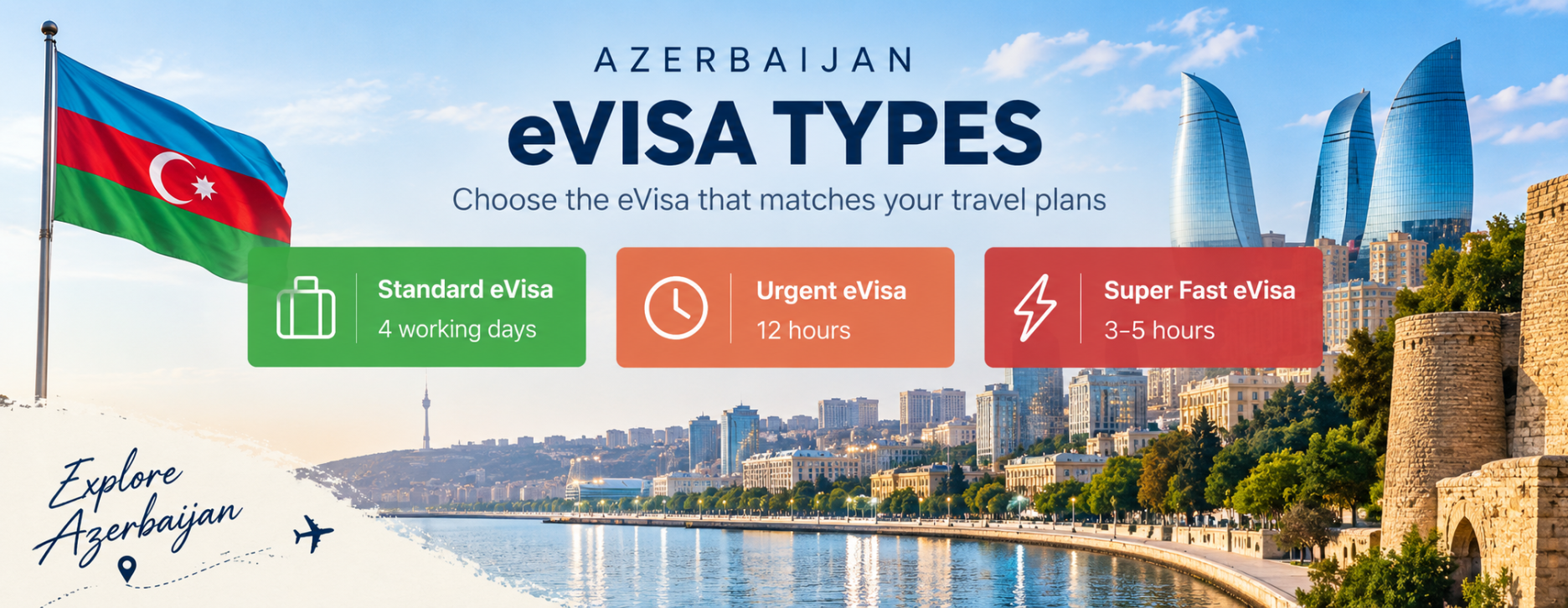
There are two speeds to choose from. The standard e-visa takes three working days — that's the one I used — and there's an urgent option that processes in three hours and is available even on public holidays and non-working days.
Unless you're applying at the last minute, the standard three-day option is straightforward enough that there's little reason to pay extra for speed.
What you'll need before you start
- A passport valid for at least 3 months beyond your e-visa's expiry date
- A clear scanned copy of your passport, saved as a .jpg under 1MB
- Your accommodation details in Azerbaijan
- The date you want your e-visa validity to start
You can apply individually, as a family (2–10 people), or as a group (10–300 people) — useful if you're travelling with others and want to file one application rather than several.
One detail that's easy to rush: everything you enter has to match your passport exactly. Get a digit wrong on your passport number and the application gets rejected — with no refund on the visa fee.
The application, step by step
- Nationality and citizenship. You select your passport's country from the eligible list.
- Arrival date. This sets when your visa's validity begins — you get a 90-day window from that date to travel.
- Personal information and passport upload. You enter your details and attach the scanned passport copy. This is the step where mismatched information causes rejections.
- Email verification. Check your spam or junk folder if the confirmation doesn't land in your main inbox — it's a common reason people think their application has stalled when it hasn't.
What it actually costs
| Item | Cost |
|---|---|
| Standard eVisa (within 3 to 5 days) | $75 USD |
| Urgent eVisa (12 Hours) | $146 USD |
| Emergency eVisa (3 to 5 Hours) | $166 USD |
eVisa prices were updated in September 2026.
Worth checking this against the official site before you apply. Fees and eligibility lists are the kind of thing that change without much announcement, and this page was last checked in [ADNAN: insert check date].
The rule that catches people out
If you've previously visited Nagorno-Karabakh or other Armenian-occupied territories since 1991, Azerbaijan can deny you entry — regardless of whether your e-visa was approved. Having a valid, issued e-visa doesn't override this. If that applies to you, it's worth looking into properly before you pay the $25, not after you've already applied.
Common reasons applications get rejected
- Personal details that don't match the passport exactly — and there's no refund if this happens
- A passport scan that's blurry, cropped wrong, or over the 1MB limit
- Missing or incomplete accommodation details
- Assuming the application failed because the confirmation email went to spam
Before you go
Everything above, reduced to the things you actually have to do.
- Confirm your nationality is on the eligible list — or start the embassy process instead if it isn't
- Decide standard (3 days) or urgent (3 hours) based on your timeline
- Get a clean passport-page scan saved as a .jpg under 1MB
- Have your accommodation details ready before you open the form
- Double-check every field against your passport before you submit — there's no refund on a rejection
- If you've travelled to Nagorno-Karabakh or occupied territories since 1991, look into this before applying
Ticks are just for this visit and aren't saved anywhere.
How I know this
I applied for this e-visa myself for my own trip to Azerbaijan and paid the $25 fee. The steps, requirements, and the warning about occupied territories are drawn from the official evisa.gov.az process.
Written by Ednan
Former university lecturer, now living between countries and writing down what I learn as I go. I've travelled to 18+ countries and about 9,500 of you have stuck around on YouTube. None of it is about ticking places off a list.
More about me →